
Detail in Building Design: Complete Guide for Architects
Learn the importance of detail in building design, construction documentation, CAD drafting, and engineering projects. Discover how accurate detailing improves
Key Takeaways
What you'll learn from this article
- 1Introduction
- 2What Is a Detail?
- 3Importance of Detail in Building Design
- 4Types of Detail Used in Construction
- 5Common Applications of Detail Drawings
- 6Role of CAD Software in Detail Creation
- 7Best Practices for Creating a Detail
- 8Detail and BIM Technology
- 9Challenges in Detailing
- 10Future of Detail in Construction
Introduction
A detail is one of the most important components of architectural and engineering documentation. Every detail provides precise information about how building elements are assembled, connected, and constructed. From foundation systems and wall assemblies to roofing structures and staircase layouts, a well-developed detail ensures that every component of a building is built according to design specifications and industry standards.
Architects, civil engineers, contractors, and builders rely on detail drawings to improve communication, minimize construction errors, and maintain quality throughout a project. Without proper detailing, even the most innovative building design can experience coordination issues, construction delays, and increased project costs. A professional detail helps bridge the gap between design concepts and actual construction execution.
What Is a Detail?
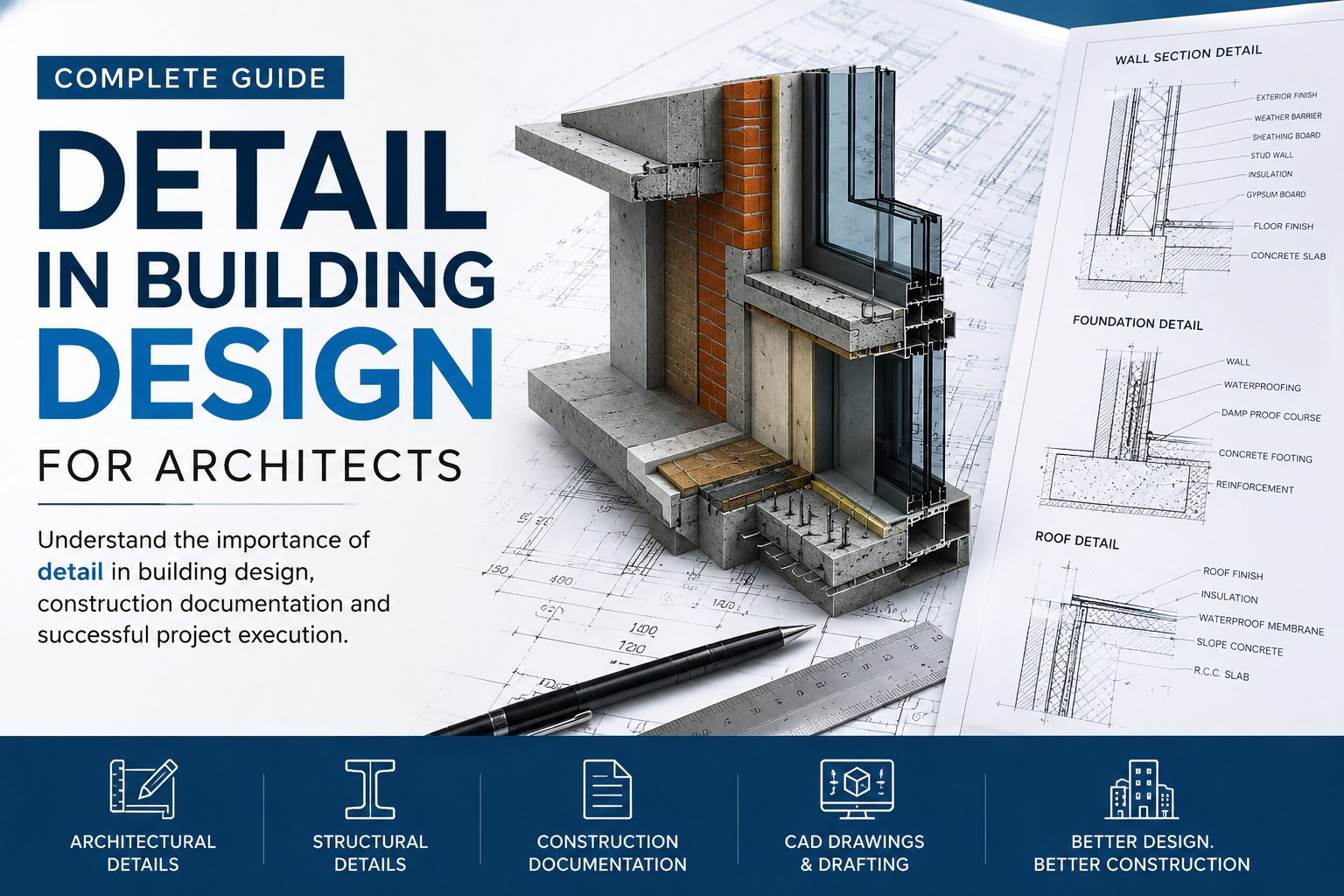
A detail is an enlarged technical drawing that focuses on a specific building component, assembly, or connection. Unlike general floor plans, elevations, or sections, a detail provides in-depth information regarding dimensions, materials, finishes, reinforcement, and installation methods.
These drawings allow construction teams to understand exactly how individual building elements should be fabricated and installed.
Typical examples include:
Foundation detail
Wall section detail
Roof detail
Staircase detail
Door detail
Window detail
Structural connection detail
Waterproofing detail
Drainage detail
Railing detail
Each detail serves as a practical guide that supports accurate construction and project coordination.
Importance of Detail in Building Design
Improved Accuracy
A properly prepared detail eliminates confusion during construction and ensures that building elements are installed correctly. Clear detailing reduces mistakes and improves project outcomes.
Better Communication
A detail acts as a communication tool between architects, engineers, fabricators, contractors, and site personnel. Accurate drawings help all project stakeholders work from the same technical information.
Reduced Construction Errors
Professional detailing minimizes costly site modifications, construction conflicts, and project delays. A clear detail provides contractors with the information needed to execute work correctly the first time.
Enhanced Building Performance
Every detail contributes to structural stability, energy efficiency, waterproofing performance, and long-term durability. Well-designed details help improve overall building quality.
Compliance With Standards
Building regulations and engineering standards often require specific construction methods. A properly documented detail helps ensure compliance with local codes and safety requirements.
Types of Detail Used in Construction
Architectural Detail
Architectural detailing focuses on the appearance, finishes, and functional aspects of a building.
Examples include:
Door detail
Window detail
Ceiling detail
Flooring detail
Interior finish detail
Architectural details help achieve both aesthetic and functional objectives.
Structural Detail
Structural detailing defines load-bearing systems and reinforcement requirements.
Examples include:
Footing detail
Beam detail
Column detail
Slab reinforcement detail
Steel connection detail
A structural detail is critical for ensuring safety and structural integrity.
Mechanical Detail
Mechanical details illustrate HVAC systems, ductwork layouts, equipment installations, and service connections.
Electrical Detail
Electrical detailing includes conduit routing, cable management systems, switchboards, and equipment installations.
Plumbing Detail
Plumbing details provide information regarding water supply systems, drainage systems, sanitary installations, and piping layouts.
Common Applications of Detail Drawings
Foundation Detail
Foundation drawings define footing dimensions, reinforcement arrangements, soil conditions, and structural connections. This type of detail ensures proper load transfer and building stability.
Wall Section Detail
Wall section drawings illustrate framing systems, insulation layers, finishes, waterproofing membranes, and structural components.
Roof Detail
Roof detailing shows roofing materials, flashing systems, insulation requirements, drainage layouts, and supporting structures.
Staircase Detail
Staircase details specify riser dimensions, tread sizes, handrails, landings, and support structures to ensure safety and accessibility.
Door and Window Detail
These drawings provide frame dimensions, installation methods, hardware specifications, and weatherproofing requirements.
Role of CAD Software in Detail Creation
Modern construction projects depend heavily on CAD software for creating professional technical documentation.
Popular software includes:
AutoCAD
Revit
Civil 3D
SketchUp
MicroStation
Benefits of CAD-Based Detailing
Improved drafting accuracy
Faster design modifications
Better project coordination
Standardized documentation
Easier collaboration
CAD technology allows professionals to develop every detail with greater efficiency and precision.
Best Practices for Creating a Detail
Maintain Accurate Dimensions
Every detail should include clear and precise dimensions that can be easily interpreted by construction teams.
Use Industry Standards
Standard symbols and drafting conventions improve consistency and readability.
Specify Materials Clearly
A detail should clearly identify materials, finishes, fasteners, and installation requirements.
Show Connection Methods
Welds, anchors, bolts, brackets, and joints should be clearly illustrated to avoid construction issues.
Follow Building Codes
Professional detailing must comply with engineering regulations, construction standards, and safety requirements.
Detail and BIM Technology
Building Information Modelling (BIM) has transformed the way technical documentation is developed and managed.
Benefits of BIM
Improved collaboration
Better project visualization
Clash detection
Accurate quantity takeoffs
Enhanced project planning
BIM platforms such as Revit allow every detail to be integrated directly into intelligent building models. This improves project coordination and reduces conflicts between architectural, structural, and MEP systems.
Challenges in Detailing
Design Coordination
Large projects involve multiple disciplines working simultaneously. Proper detailing helps prevent conflicts between building systems.
Accuracy Management
Even a minor error in a detail can result in costly project delays and construction issues.
Revision Control
Project requirements often change during development. Detail drawings must be updated consistently to ensure documentation accuracy.
Regulatory Compliance
Every detail must satisfy applicable building codes, accessibility requirements, and engineering standards.
Future of Detail in Construction
The future of detailing is becoming increasingly digital and data-driven.
Artificial Intelligence
AI-powered design tools can automate repetitive drafting tasks and improve documentation accuracy.
Digital Twins
Digital twins create virtual building models that support facility management and long-term maintenance.
Prefabrication
Modern prefabrication methods rely heavily on accurate detail drawings to support manufacturing and installation processes.
Advanced BIM Workflows
Integrated BIM systems continue to improve collaboration, project coordination, and documentation quality.
Key takeaways from this article
Detailed drawings are essential for successful building design and construction. They improve communication, accuracy, and project quality while helping architects and engineers deliver professional construction documentation.
Frequently Asked Questions
What is a detail in construction?
A detail is a technical drawing that explains how specific building components are assembled and installed.
Why is detail important in architecture?
Detailing improves construction accuracy, communication, and project quality.
What software is used for detailing?
AutoCAD, Revit, Civil 3D, SketchUp, and MicroStation are commonly used.
How does a detail improve construction?
It reduces errors, improves coordination, and provides clear technical guidance.
Where can I find CAD detail drawings?
Professional CAD detail drawings can be accessed through architectural CAD libraries and design resources.
Architectural drafting, CAD documentation, building detailing, engineering drawings, construction documentation
Get expert CAD insights weekly
Join thousands of architects and designers receiving curated tutorials, files, and industry tips.
Browse all articlesMore expert insights
Continue your learning journey with related articles
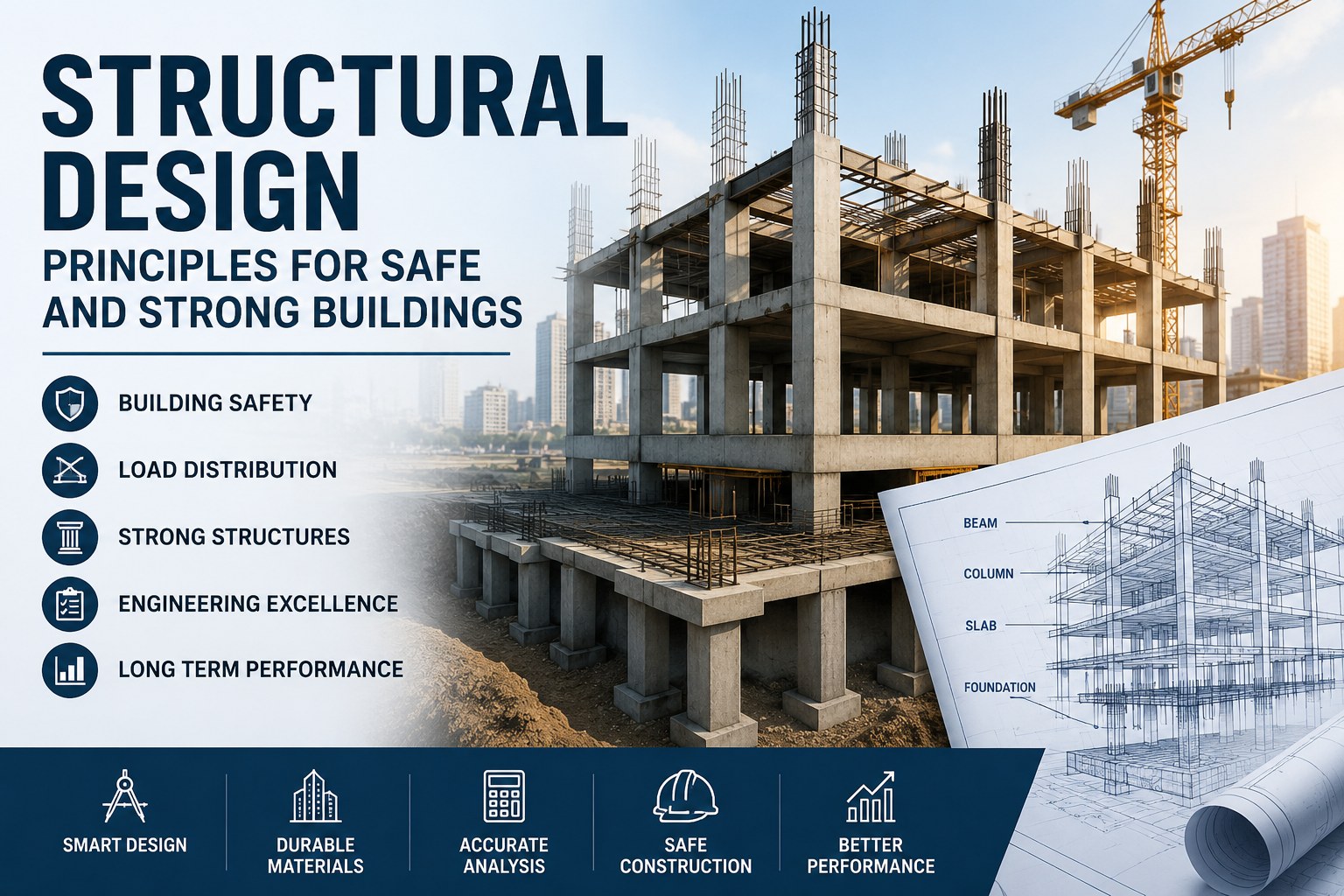
Structural Design Principles for Safe and Strong Buildings
Learn how structural design supports building safety, stability, load distribution, and long-term performance in modern construction projects.
Read more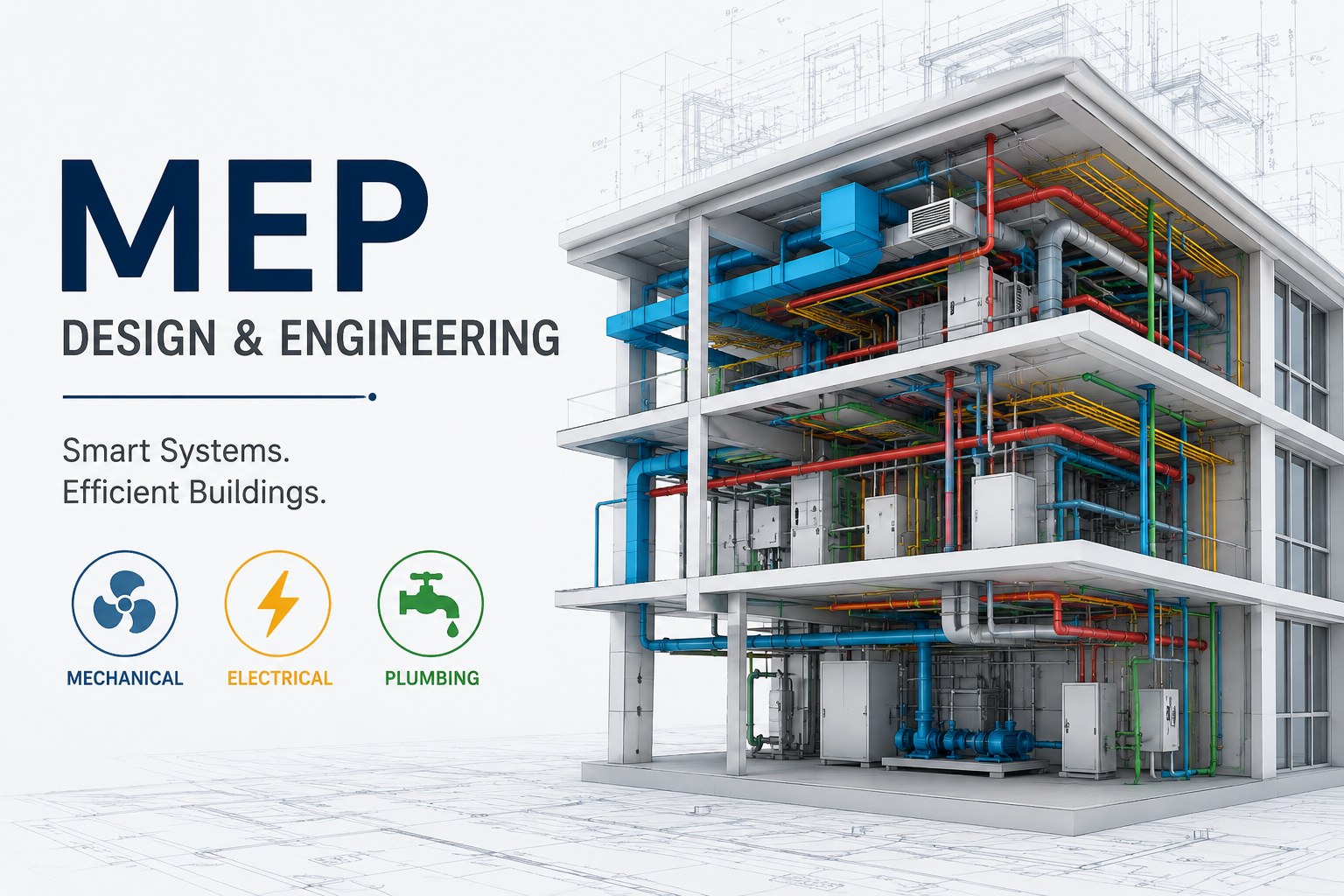
MEP Guide for Building Design and Construction
Learn about MEP systems, building services, HVAC, electrical and plumbing design, coordination, documentation, and construction workflows.
Read more
Plumbing Systems and Their Importance in Modern Buildings
Learn how plumbing systems support water supply, drainage, sanitation, and building functionality in residential and commercial properties.
Read more