
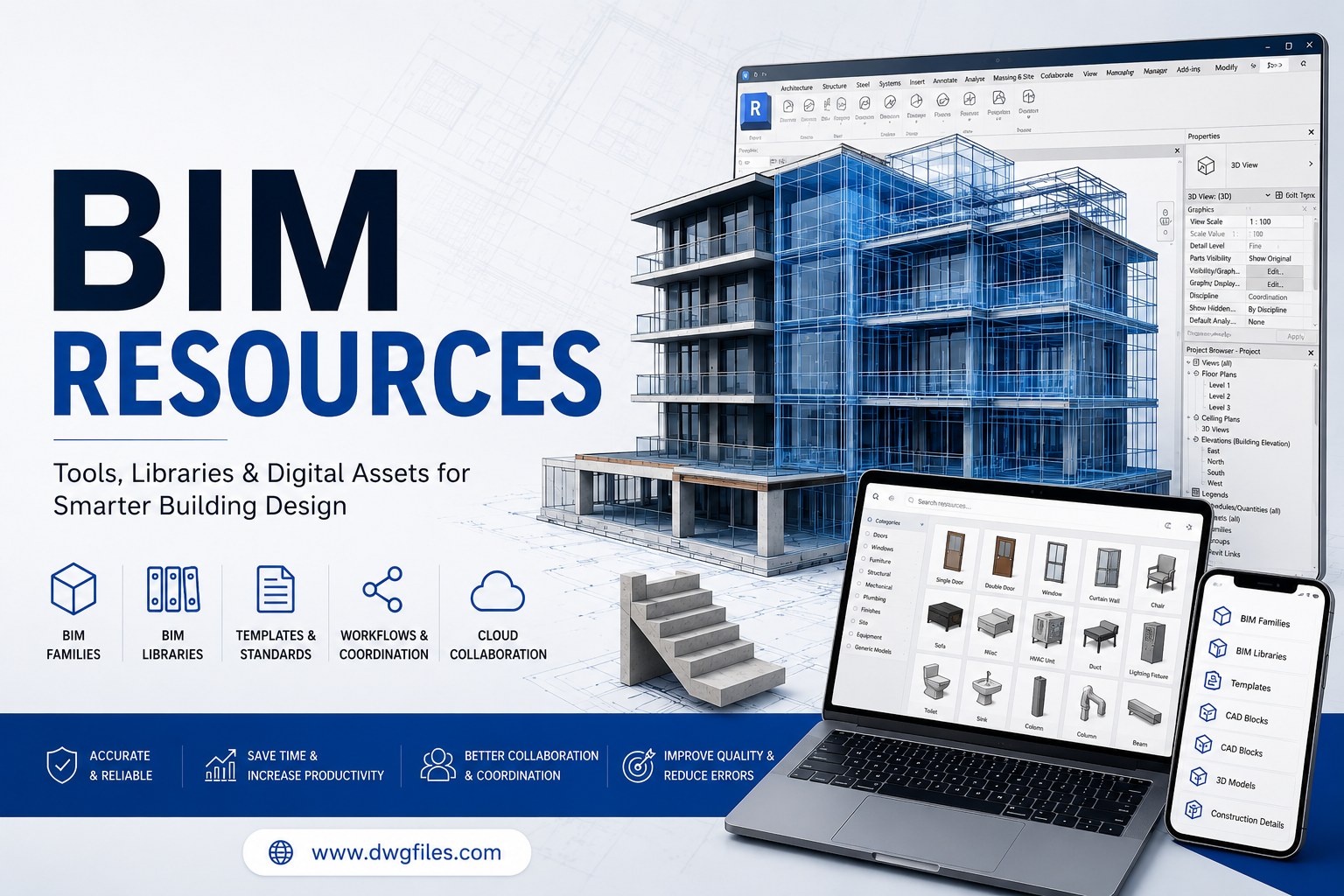
BIM Resources Guide for Architects and Engineers
Discover BIM resources, tools, libraries, templates, and workflows that help architects, engineers, and construction professionals improve project coordination.
Key Takeaways
What you'll learn from this article
- 1BIM Resources Guide for Architects and Engineers
- 2Introduction
- 3What Are BIM Resources?
- 4Importance of Digital BIM Assets
- 5Types of BIM Tools and Assets
- 6Benefits of Using BIM Libraries and Assets
- 7BIM Tools for Architects
- 8BIM Solutions for Engineers
- 9Popular BIM Software Platforms
- 10BIM and Construction Coordination
- 11Best Practices for Managing BIM Libraries
- 12Future of BIM Technology
- 13Why BIM Resources Matter?
BIM Resources Guide for Architects and Engineers
Introduction
BIM resources have become essential for modern architecture, engineering, and construction projects. Building Information Modelling (BIM) helps professionals create, manage, and coordinate digital building information throughout the project lifecycle. Access to quality BIM resources allows teams to improve collaboration, increase productivity, and reduce project errors.
Today, architects, civil engineers, MEP consultants, contractors, and facility managers depend on BIM tools and digital assets to streamline design processes and improve construction documentation. From BIM libraries and templates to object databases and workflow standards, these solutions play a critical role in project success.
As digital construction continues to evolve, BIM resources are becoming increasingly important for professionals seeking efficient project delivery and better building performance.
What Are BIM Resources?
BIM resources are digital assets, tools, templates, standards, and documentation used to support Building Information Modelling workflows.
These resources help project teams create accurate digital models and improve project coordination.
Common BIM resources include:
BIM families
BIM objects
Revit families
BIM templates
Construction documentation
BIM standards
BIM libraries
BIM workflows
Model coordination files
Digital asset databases
Professional BIM assets help improve design consistency and project efficiency.
Importance of Digital BIM Assets
Improved Project Coordination
Quality BIM libraries help architects, engineers, and contractors work from a centralised source of information.
Increased Productivity
Pre-built BIM assets reduce modelling time and improve workflow efficiency.
Better Documentation
Standardised BIM components improve drawing quality and project documentation.
Enhanced Collaboration
Project teams can share and update information more effectively using BIM-based workflows.
Reduced Design Errors
Accurate BIM resources help identify conflicts before construction begins.
Types of BIM Tools and Assets
BIM Libraries
BIM libraries contain digital components that can be used in project models.
Examples include:
Doors
Windows
Furniture
Structural elements
Mechanical equipment
Electrical fixtures
Plumbing components
Revit Families
Revit families are among the most commonly used BIM components in architectural and engineering projects.
BIM Templates
Templates provide predefined project settings, standards, and workflows.
BIM Standards
Standards help maintain consistency across different projects and teams.
BIM Object Databases
These databases store manufacturer-specific product information and technical specifications.
Benefits of Using BIM Libraries and Assets
Faster Modeling
Ready-to-use BIM components significantly reduce design and modelling time.
Improved Accuracy
Professionally developed BIM libraries improve project quality and reduce modelling errors.
Better Data Management
BIM assets contain information about dimensions, materials, specifications, and performance data.
Cost Savings
Efficient workflows help reduce project costs and improve productivity.
Enhanced Project Delivery
Well-organised BIM libraries support smoother project execution and coordination.
BIM Tools for Architects
Architects use BIM resources to create detailed building models and construction documentation.
Common architectural BIM assets include:
Door families
Window families
Wall assemblies
Furniture models
Interior components
Landscape elements
Roofing systems
Architectural templates
These resources improve design accuracy and presentation quality.
BIM Solutions for Engineers
Engineering teams use BIM tools to support technical design and project coordination.
Structural Engineering Resources
Examples include:
Steel sections
Reinforcement components
Foundation systems
Structural connections
Concrete assemblies
MEP Engineering Resources
Examples include:
HVAC equipment
Ductwork systems
Electrical components
Plumbing fixtures
Fire protection systems
These BIM solutions help engineers create coordinated project models.
Popular BIM Software Platforms
Modern BIM resources are commonly used with the following software:
Autodesk Revit
One of the most widely used BIM platforms for architecture, structure, and MEP design.
Navisworks
Used for clash detection and model coordination.
BIM 360
Supports cloud-based collaboration and project management.
ArchiCAD
Popular among architects for building design and documentation.
Tekla Structures
Widely used for structural engineering and steel detailing.
BIM and Construction Coordination
Construction projects involve multiple disciplines that must work together efficiently.
Clash Detection
BIM workflows support clash detection processes that identify conflicts between systems.
Model Coordination
Shared BIM assets improve communication between project stakeholders.
Construction Documentation
Accurate BIM components improve the quality of drawings, schedules, and project documentation.
Facility Management
Digital building information can be used for long-term facility operation and maintenance.
Best Practices for Managing BIM Libraries
Maintain Organised Libraries
Well-structured BIM libraries improve project efficiency and accessibility.
Use Standardised Naming Conventions
Consistent naming improves resource management and collaboration.
Update Resources Regularly
Keeping BIM assets updated ensures accuracy and compliance with current standards.
Verify Data Quality
All BIM components should contain accurate geometry and technical information.
Follow Industry Standards
Resources should comply with BIM standards and project requirements.
Future of BIM Technology
Artificial Intelligence Integration
AI-powered tools are helping automate BIM workflows and model creation.
Cloud-Based Collaboration
Cloud platforms allow teams to access BIM resources from any location.
Digital Twins
Digital twins use BIM data to create real-time virtual representations of buildings.
Smart Construction
Modern construction projects increasingly rely on BIM technology for planning, coordination, and execution.
Advanced Automation
Automation technologies are improving efficiency throughout the design and construction process.
Why BIM Resources Matter?
BIM resources help professionals create more accurate models, improve project coordination, and enhance documentation quality. Whether used by architects, engineers, contractors, or facility managers, these digital assets support better decision-making and more efficient project delivery.
Organisations that invest in high-quality BIM assets benefit from improved collaboration, reduced errors, lower project costs, and enhanced building performance.
Key takeaways from this article
BIM resources are essential tools for modern architecture, engineering, and construction professionals. They improve modeling efficiency, support project coordination, enhance documentation quality, and reduce project risks. As digital construction continues to advance, BIM resources will remain a critical part of successful project delivery and building lifecycle management.
Frequently Asked Questions
What are BIM resources?
BIM resources are digital assets, templates, libraries, and tools used in Building Information Modeling projects.
Why are BIM resources important?
They improve project coordination, modeling efficiency, and documentation quality.
What are Revit families?
Revit families are reusable BIM components used to create building models.
How do BIM resources improve collaboration?
They provide standardised information that can be shared across project teams.
Which software supports BIM resources?
Popular platforms include Autodesk Revit, Navisworks, BIM 360, ArchiCAD, and Tekla Structures.
BIM management, architectural modeling, construction documentation, digital construction workflows, project coordination
Get expert CAD insights weekly
Join thousands of architects and designers receiving curated tutorials, files, and industry tips.
Browse all articlesMore expert insights
Continue your learning journey with related articles
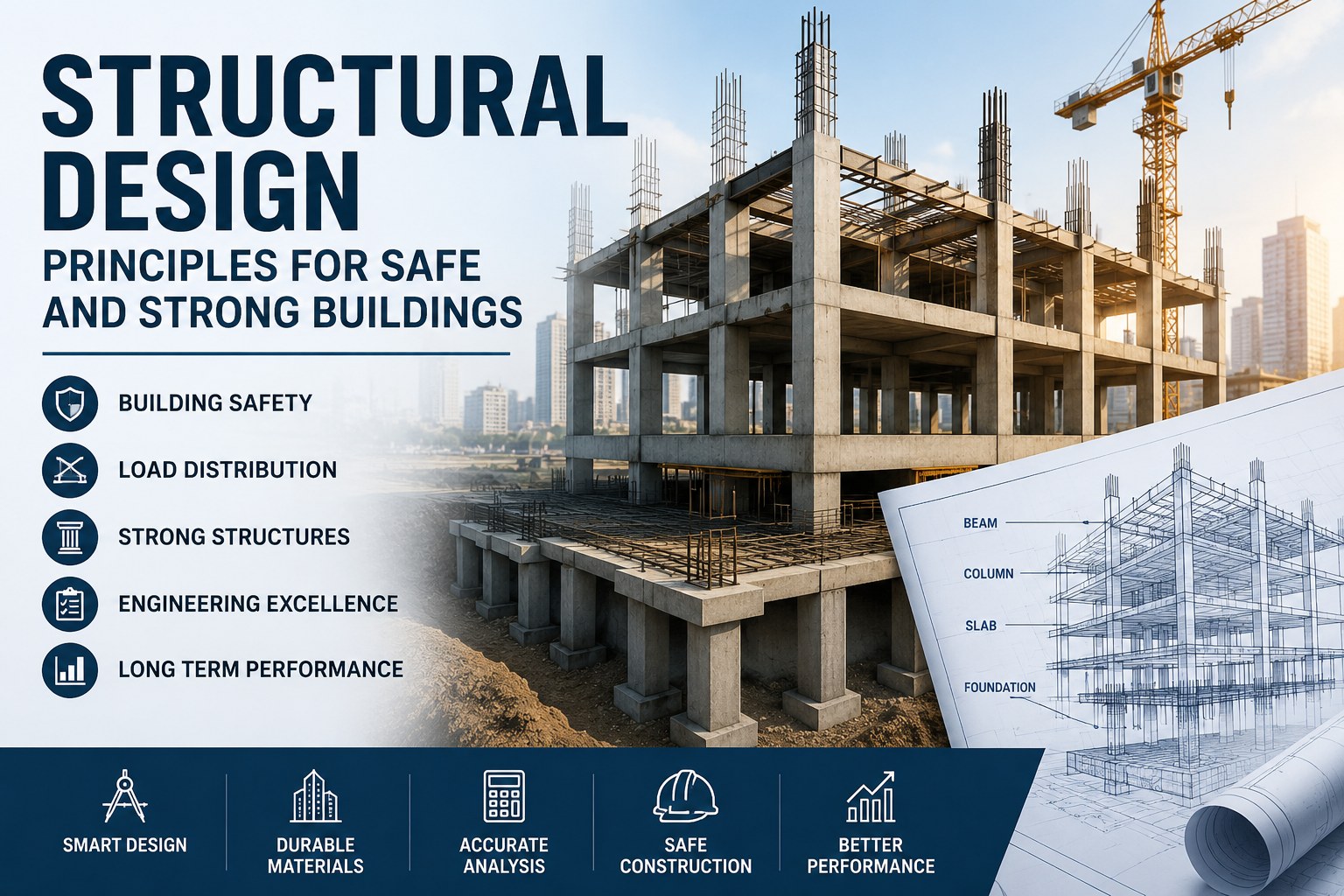
Structural Design Principles for Safe and Strong Buildings
Learn how structural design supports building safety, stability, load distribution, and long-term performance in modern construction projects.
Read more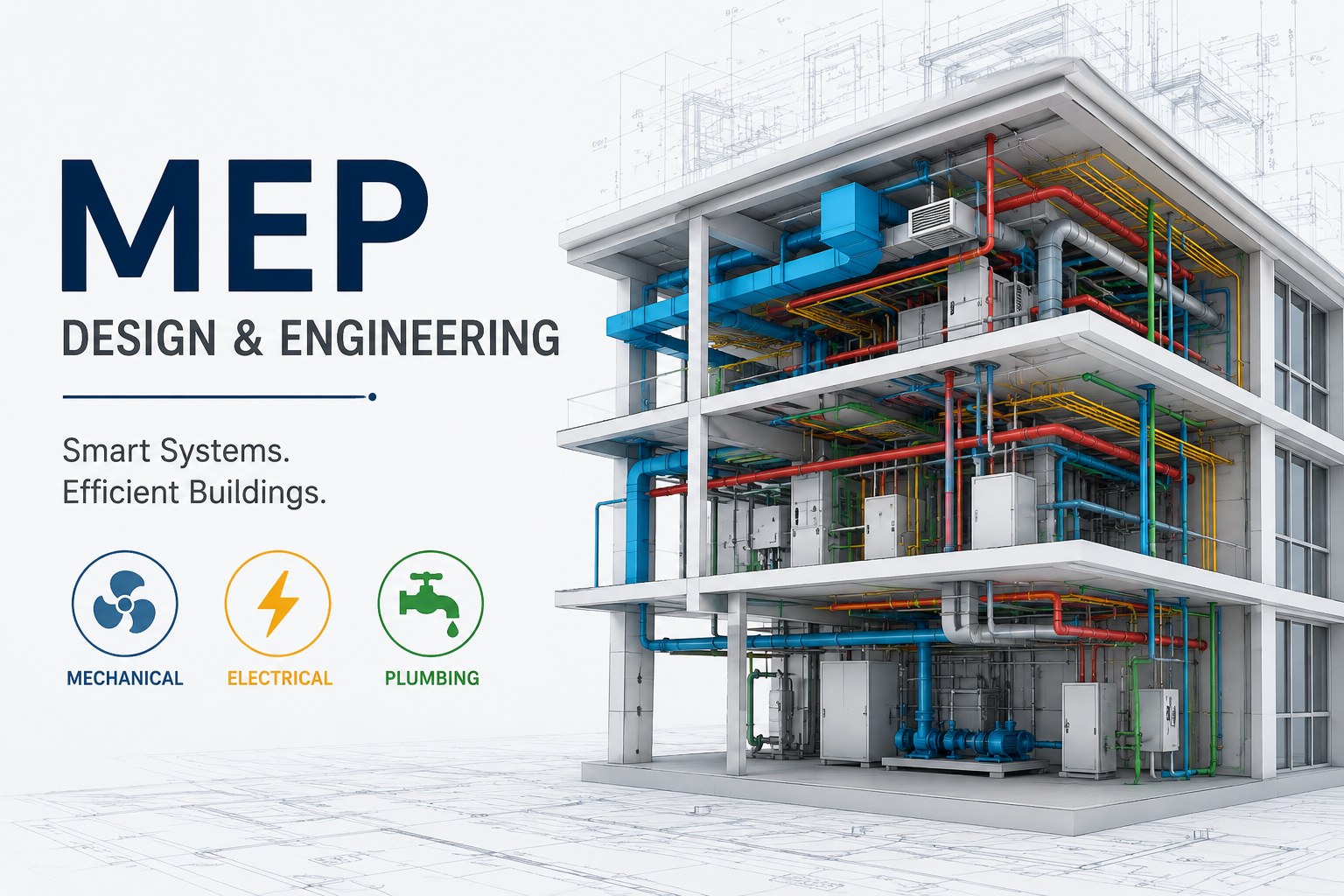
MEP Guide for Building Design and Construction
Learn about MEP systems, building services, HVAC, electrical and plumbing design, coordination, documentation, and construction workflows.
Read more
Plumbing Systems and Their Importance in Modern Buildings
Learn how plumbing systems support water supply, drainage, sanitation, and building functionality in residential and commercial properties.
Read more