
Architecture Drawings Guide for Beginners and Designers
Learn how an architecture drawings guide helps architects, engineers, and designers understand floor plans, elevations, sections, and modern building design pra
Key Takeaways
What you'll learn from this article
- 1Introduction
- 2What Are Architecture Drawings?
- 3Why Architecture Drawings Are Important
- 4Types of Architecture Drawings
- 5Architecture Drawings Guide for Modern Construction
- 6Understanding Common Drawing Symbols
- 7How CAD Software Helps Architects
- 8Architecture Drawings and BIM
- 9Tips for Reading Architecture Drawings
- 10Future Trends in Architecture Drawings
Introduction
An Architecture Drawings Guide is one of the best ways to understand how buildings are planned, designed, and constructed. Before a house, office, school, or commercial building is built, architects prepare detailed drawings that show the structure's layout, dimensions, materials, and construction requirements. These drawings help architects, engineers, contractors, and clients communicate clearly throughout the project.
This Architecture Drawings Guide explains the most important drawing types, their purpose, and how they contribute to successful construction projects. Whether you are a student, designer, architect, or property owner, learning about architecture drawings can help you better understand the building process.
What Are Architecture Drawings?
Architecture drawings are technical documents used to represent a building or structure before construction begins. They communicate important information such as room layouts, dimensions, building materials, structural details, and construction methods.
These drawings act as a universal language that allows project teams to work together efficiently. Without architecture drawings, construction projects would face delays, misunderstandings, and costly mistakes.
Why Architecture Drawings Are Important
Architecture drawings play a critical role in every construction project. They provide a clear plan that guides the entire building process from concept to completion.
Key benefits include:
Better communication between project teams
Improved construction accuracy
Easier planning and approvals
Better budgeting and cost control
Reduced construction errors
Faster project completion
Improved safety and compliance
A well-prepared architecture drawings guide can also help beginners understand how these drawings work together to create successful projects.
Types of Architecture Drawings
Floor Plans
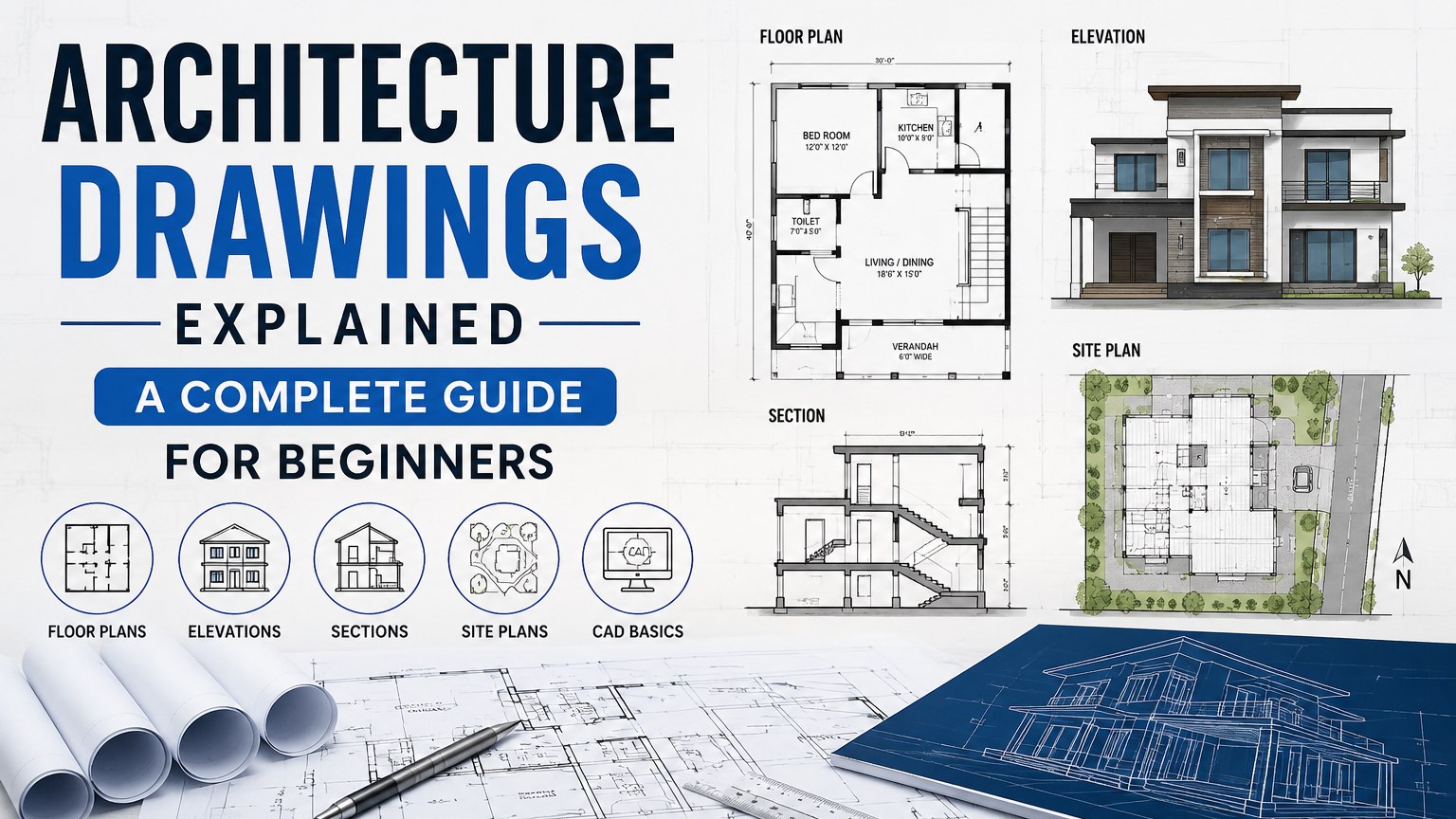
Floor plans provide a top-down view of a building. They show walls, rooms, doors, windows, furniture placement, and circulation areas. Floor plans help users understand how interior spaces are arranged.
Elevation Drawings
Elevation drawings show the exterior appearance of a building from different sides. They display heights, windows, doors, materials, and architectural features.
Section Drawings
Section drawings cut through a building to reveal internal construction details. These drawings help explain floor levels, ceiling heights, wall structures, and stair layouts.
Site Plans
Site plans show the location of a building on a property. They include boundaries, roads, parking areas, landscaping, and utility connections.
Detail Drawings
Detail drawings focus on specific construction components such as foundations, walls, roof systems, staircases, and structural connections.
Architecture Drawings Guide for Modern Construction
Modern construction projects rely heavily on detailed architectural documentation. An effective architecture drawings guide helps project teams understand the relationship between design intent and construction requirements.
These drawings help reduce mistakes and improve project coordination. They also support communication between architects, engineers, contractors, and clients.
Understanding Common Drawing Symbols
Architecture drawings contain symbols, notes, and dimensions that communicate essential information.
Common symbols include:
Door symbols
Window symbols
Electrical symbols
Plumbing symbols
Structural references
Material indicators
Dimension lines
Understanding these symbols is an important step in using an architecture drawings guide effectively.
How CAD Software Helps Architects
Today, most architecture drawings are created using Computer-Aided Design software. CAD tools allow architects to produce accurate and detailed drawings quickly and efficiently.
Benefits of CAD include:
Higher precision
Faster revisions
Better documentation
Easy collaboration
Digital storage
Improved productivity
Modern CAD software also supports 3D modeling and visualization, helping clients understand designs before construction starts.
Architecture Drawings and BIM
Building Information Modeling (BIM) has transformed architectural design and documentation. BIM combines design, data, and collaboration within a single digital model.
Advantages of BIM include:
Better project coordination
Improved design accuracy
Reduced conflicts
Faster project delivery
Enhanced visualization
Many architecture firms now combine BIM and CAD workflows to improve project outcomes.
Tips for Reading Architecture Drawings
If you are new to architecture drawings, this architecture drawings guide recommends the following approach:
Start With the Floor Plan
Review the overall building layout first.
Check the Drawing Legend
Learn the symbols and abbreviations used throughout the drawings.
Review Dimensions Carefully
Dimensions provide exact measurements that are essential for construction.
Study Sections and Elevations
These drawings reveal the building's structure and appearance.
Read Notes and Specifications
Architects often include important construction instructions and material requirements.
Future Trends in Architecture Drawings
Technology continues to improve architectural design and documentation.
Emerging trends include:
Artificial Intelligence
Virtual Reality
Augmented Reality
Parametric Design
Cloud Collaboration
Digital Twin Technology
These innovations help architects create smarter, more efficient, and sustainable buildings.
Key takeaways from this article
Architecture drawings are essential for successful building projects. They help architects communicate ideas, guide construction teams, and ensure projects are completed accurately.
Frequently Asked Questions
What is the purpose of architecture drawings?
Architectural drawings communicate design information and guide construction teams during building projects.
What are the main types of architecture drawings?
The main types include floor plans, elevations, sections, site plans, and detail drawings.
Why are architecture drawings important?
They improve communication, reduce construction errors, and help projects stay on schedule and within budget.
What software is used to create architecture drawings?
Architects commonly use AutoCAD, Revit, ArchiCAD, SketchUp, and other CAD or BIM software.
Can beginners learn architecture drawings?
Yes. With practice and an understanding of symbols, dimensions, and drawing types, beginners can learn to read architectural drawings effectively.
Written by CAD and architectural design professionals with extensive experience in architectural drawings, building planning, construction documentation, and digital drafting workflows.
Get expert CAD insights weekly
Join thousands of architects and designers receiving curated tutorials, files, and industry tips.
Browse all articlesMore expert insights
Continue your learning journey with related articles
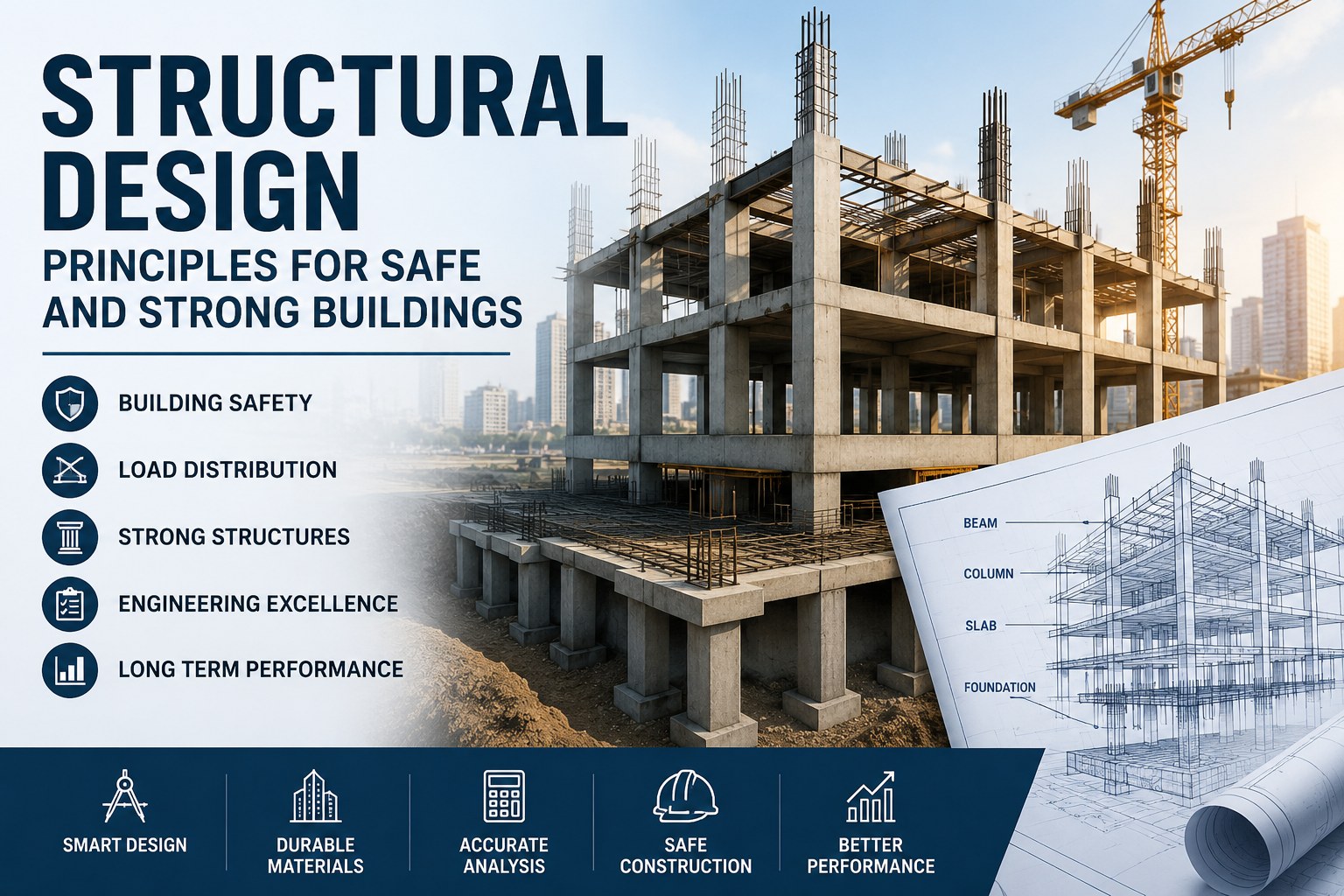
Structural Design Principles for Safe and Strong Buildings
Learn how structural design supports building safety, stability, load distribution, and long-term performance in modern construction projects.
Read more
MEP Guide for Building Design and Construction
Learn about MEP systems, building services, HVAC, electrical and plumbing design, coordination, documentation, and construction workflows.
Read more
Plumbing Systems and Their Importance in Modern Buildings
Learn how plumbing systems support water supply, drainage, sanitation, and building functionality in residential and commercial properties.
Read more