
3D Models Guide for Architects, Engineers and Designers
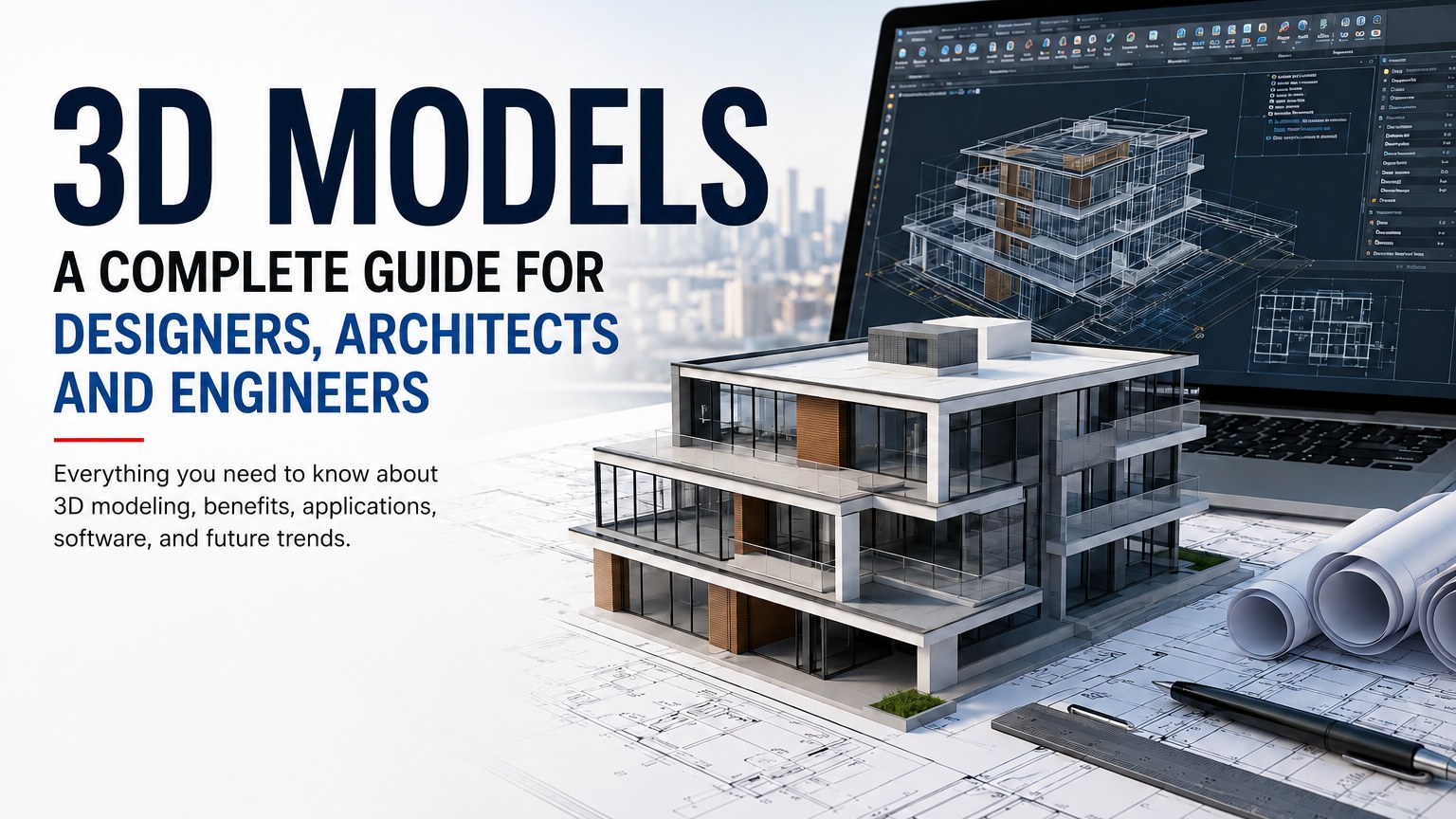
3D models help designers, architects, engineers, and students visualize ideas before construction or production begins. This guide explains what 3D models are.
Key Takeaways
What you'll learn from this article
Introduction
In today's digital design world, 3D models have become one of the most important tools for architects, engineers, interior designers, and product developers. A 3D model is a digital representation of an object, building, landscape, or product created using specialised design software.
Unlike traditional 2D drawings, 3D models provide depth, height, and width, making it easier to visualize a project before construction or manufacturing begins. Whether designing a residential building, a commercial complex, furniture, mechanical parts, or urban infrastructure, 3D modeling helps professionals create accurate and realistic representations of their ideas.
This guide explains everything you need to know about 3D models, their benefits, applications, software tools, and future trends.
What are
A 3D model is a computer-generated object that represents a real-world item or concept in three dimensions:
• Length
• Width
• Height
These models can be viewed from multiple angles, rotated, scaled, and modified to meet project requirements.
Designers create 3D models using specialized CAD and modeling software. The resulting model can be used for visualization, simulation, analysis, animation, rendering, and construction documentation.
Why Are 3D Models Important?
Modern projects are becoming more complex than ever. Traditional drawings alone often cannot communicate every design detail effectively.
3D models help by:
• Improving project visualization
• Reducing design errors
• Enhancing client presentations
• Supporting accurate planning
• Simplifying collaboration among teams
• Saving time and construction costs
• Detecting potential conflicts before execution
Because of these advantages, 3D modeling has become a standard practice across many industries.
Types of 3D Models
1. Architectural 3D Models
Architectural models represent buildings, homes, offices, hotels, and urban developments.
Common elements include:
• Floor plans
• Exterior facades
• Interior spaces
• Landscape features
• Structural systems
Architects use these models to communicate design concepts to clients and contractors.
2. Mechanical 3D Models
Mechanical models are used in manufacturing and engineering.
Examples include:
• Machine components
• Automotive parts
• Industrial equipment
• Mechanical assemblies
These models help engineers test fit, movement, and functionality before production.
3. Product Design Models
Product designers create 3D models for:
• Consumer electronics
• Furniture
• Household products
• Medical equipment
• Packaging designs
The models help evaluate aesthetics, ergonomics, and manufacturing feasibility.
4. BIM Models
Building Information Modeling (BIM) combines 3D geometry with project information.
BIM models contain:
• Structural data
• Material specifications
• Cost information
• Construction schedules
• Maintenance details
This creates a smarter and more informative design environment.
Key Components of a 3D Model
A high-quality 3D model usually contains:
Geometry
Defines the shape and structure of the object.
Materials
Specify surface properties such as wood, concrete, steel, or glass.
Textures
Add realistic visual details to surfaces.
Lighting
Improves realism by simulating natural or artificial light.
Dimensions
Ensure accurate measurements and scale.
Benefits of Using 3D Models
Better Visualization
Clients can clearly understand a project before construction begins.
Improved Accuracy
Designers can identify mistakes and correct them early.
Faster Decision Making
Project stakeholders can review multiple design options quickly.
Cost Savings
Detecting issues during design is far less expensive than fixing them during construction.
Enhanced Communication
Architects, engineers, contractors, and clients can collaborate more effectively.
Marketing and Presentations
Photorealistic renderings generated from 3D models create impressive presentations and promotional materials.
Popular Software for Creating 3D Models
Several professional tools are available for creating high-quality 3D models.
AutoCAD
Widely used for drafting and 3D modeling in architecture and engineering.
SketchUp
Popular among architects and interior designers because of its simplicity.
Revit
A leading BIM platform for building design and documentation.
Blender
A powerful open-source solution for modeling, rendering, and animation.
3ds Max
Commonly used for architectural visualization and realistic rendering.
SolidWorks
Designed for mechanical and industrial product development.
Applications of 3D Models
3D models are used in many industries.
Architecture
Creating residential and commercial building designs.
Interior Design
Planning furniture layouts, lighting systems, and decorative elements.
Construction
Coordinating project teams and reducing construction conflicts.
Manufacturing
Developing prototypes and production-ready components.
Urban Planning
Visualizing roads, public spaces, and city developments.
Entertainment
Producing games, films, animations, and virtual environments.
How 3D Models Improve Project Success
Successful projects require accurate planning and clear communication.
With 3D models, project teams can:
• Visualize designs early
• Analyze performance
• Improve construction coordination
• Reduce rework
• Increase client satisfaction
• Deliver projects more efficiently
These advantages make 3D modeling a valuable investment for organizations of all sizes.
Future of 3D Modeling
Technology continues to transform the design industry.
Emerging trends include:
Artificial Intelligence
AI-powered tools can automate repetitive modeling tasks.
Virtual Reality
Users can walk through a project before it is built.
Augmented Reality
Designs can be viewed directly within real-world environments.
Digital Twins
Real-time digital replicas of buildings and infrastructure improve maintenance and management.
Cloud Collaboration
Teams can work together on models from anywhere in the world.
These innovations will make 3D modeling even more powerful in the coming years.
Key takeaways from this article
3D models have revolutionized the way professionals design, visualize, and manage projects. From architecture and construction to manufacturing and product design, they provide a clear understanding of complex ideas while improving accuracy and collaboration.
Frequently Asked Questions
What is a 3D model?
A 3D model is a digital representation of an object or structure that includes length, width, and height.
Why are 3D models important?
They improve visualization, reduce design errors, enhance communication, and help save time and costs.
Which industries use 3D models?
Architecture, engineering, construction, manufacturing, interior design, gaming, and product development all use 3D models.
What software is used for 3D modeling?
Popular tools include AutoCAD, Revit, SketchUp, Blender, SolidWorks, and 3ds Max.
What is the difference between 2D and 3D design?
2D design shows length and width, while 3D design adds depth, allowing objects to be viewed from multiple angles.
Written by CAD and design industry professionals with extensive experience in 3D modeling, architectural visualization, engineering design, BIM workflows, and digital construction technologies.
Get expert CAD insights weekly
Join thousands of architects and designers receiving curated tutorials, files, and industry tips.
Browse all articlesMore expert insights
Continue your learning journey with related articles
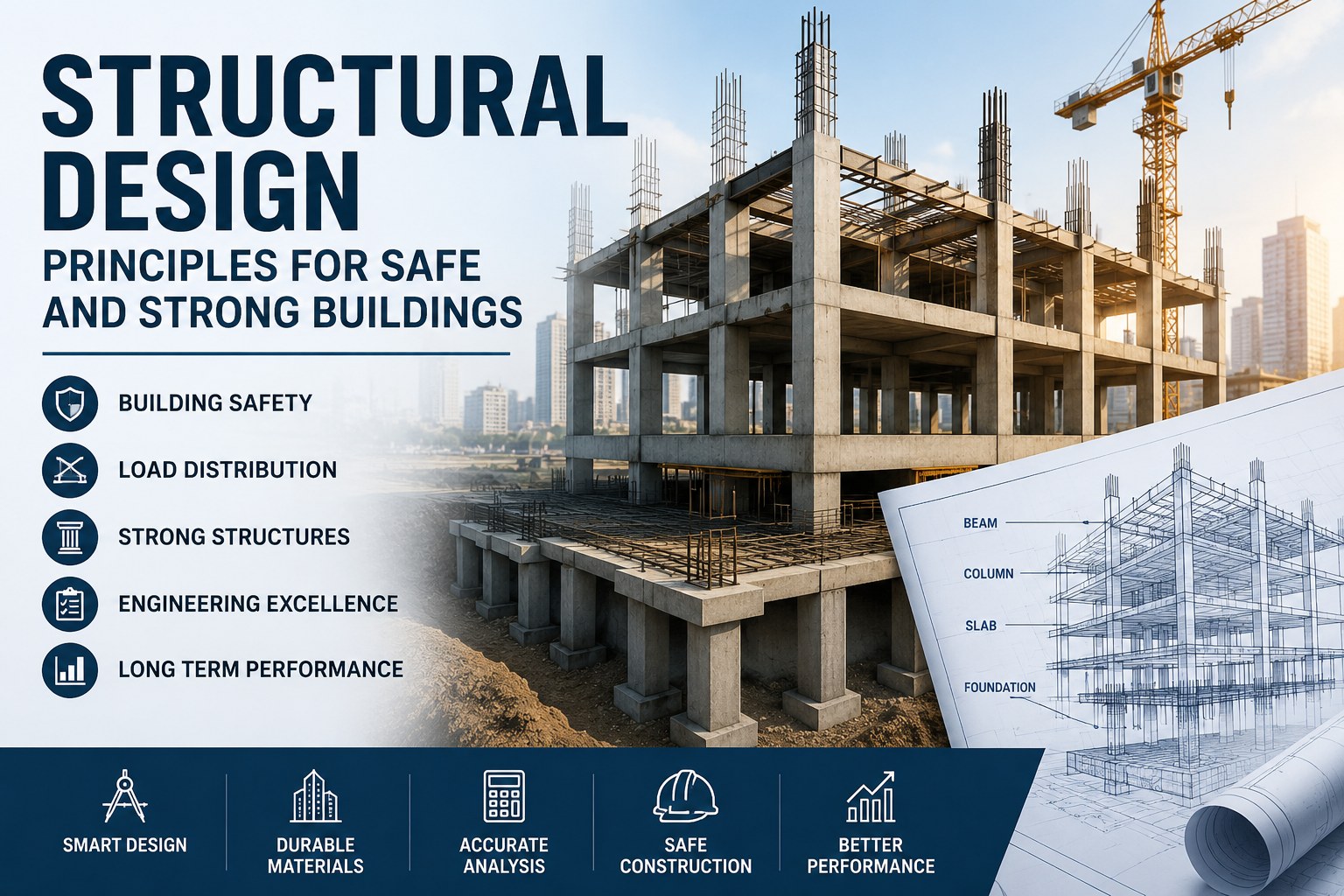
Structural Design Principles for Safe and Strong Buildings
Learn how structural design supports building safety, stability, load distribution, and long-term performance in modern construction projects.
Read more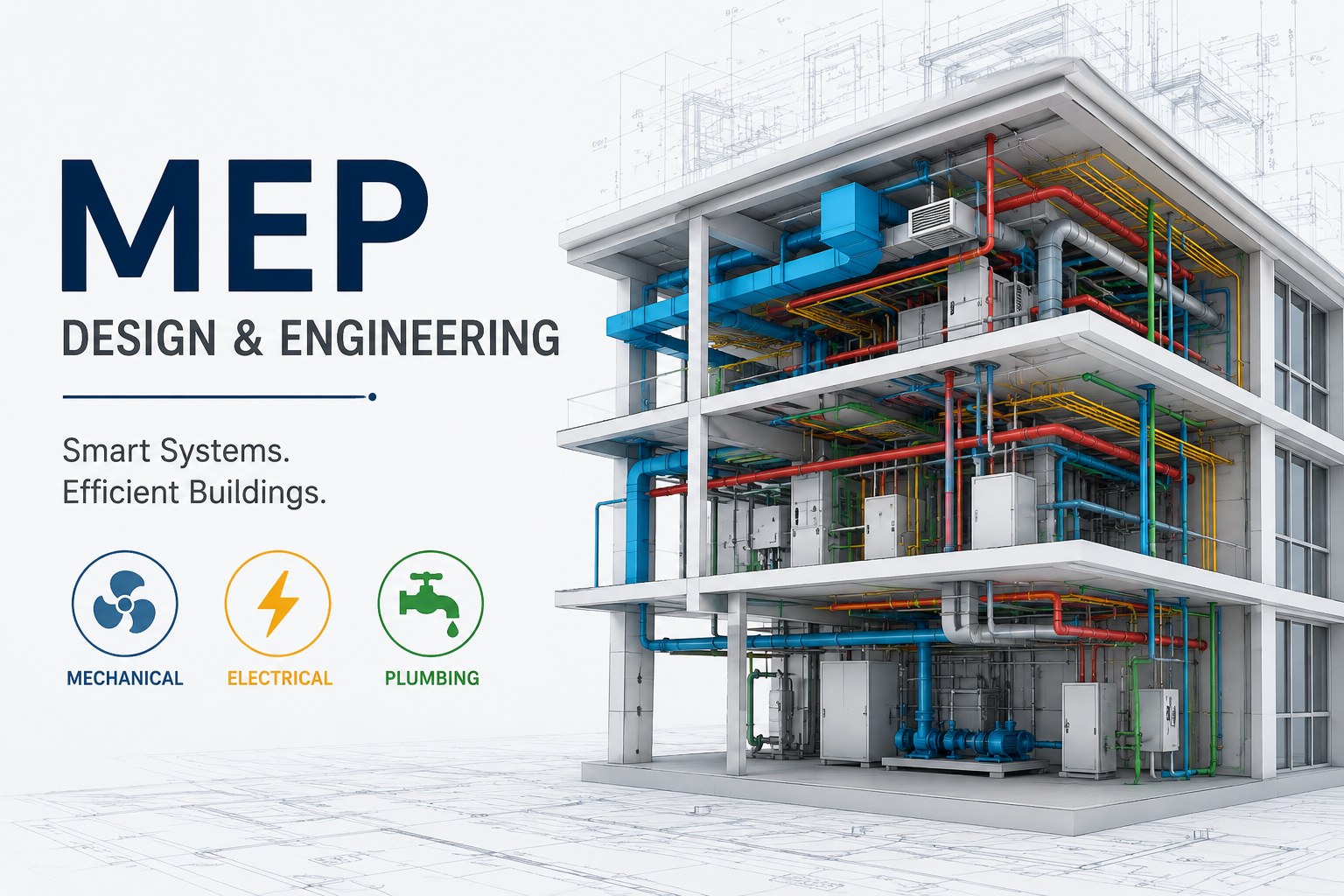
MEP Guide for Building Design and Construction
Learn about MEP systems, building services, HVAC, electrical and plumbing design, coordination, documentation, and construction workflows.
Read more
Plumbing Systems and Their Importance in Modern Buildings
Learn how plumbing systems support water supply, drainage, sanitation, and building functionality in residential and commercial properties.
Read more